
Essential
Required for the site and web app to work normally.
Privacy
At Cafesito, privacy is part of the product: data so the app can work, clear profile controls, and messaging designed so conversations stay yours.
This is a product explainer. Legal detail lives in the privacy policy.
Four ideas that guide how we handle your data in the app.
We collect what we need for account, pantry, diary, brewing, lists and community — not for personalized ads.
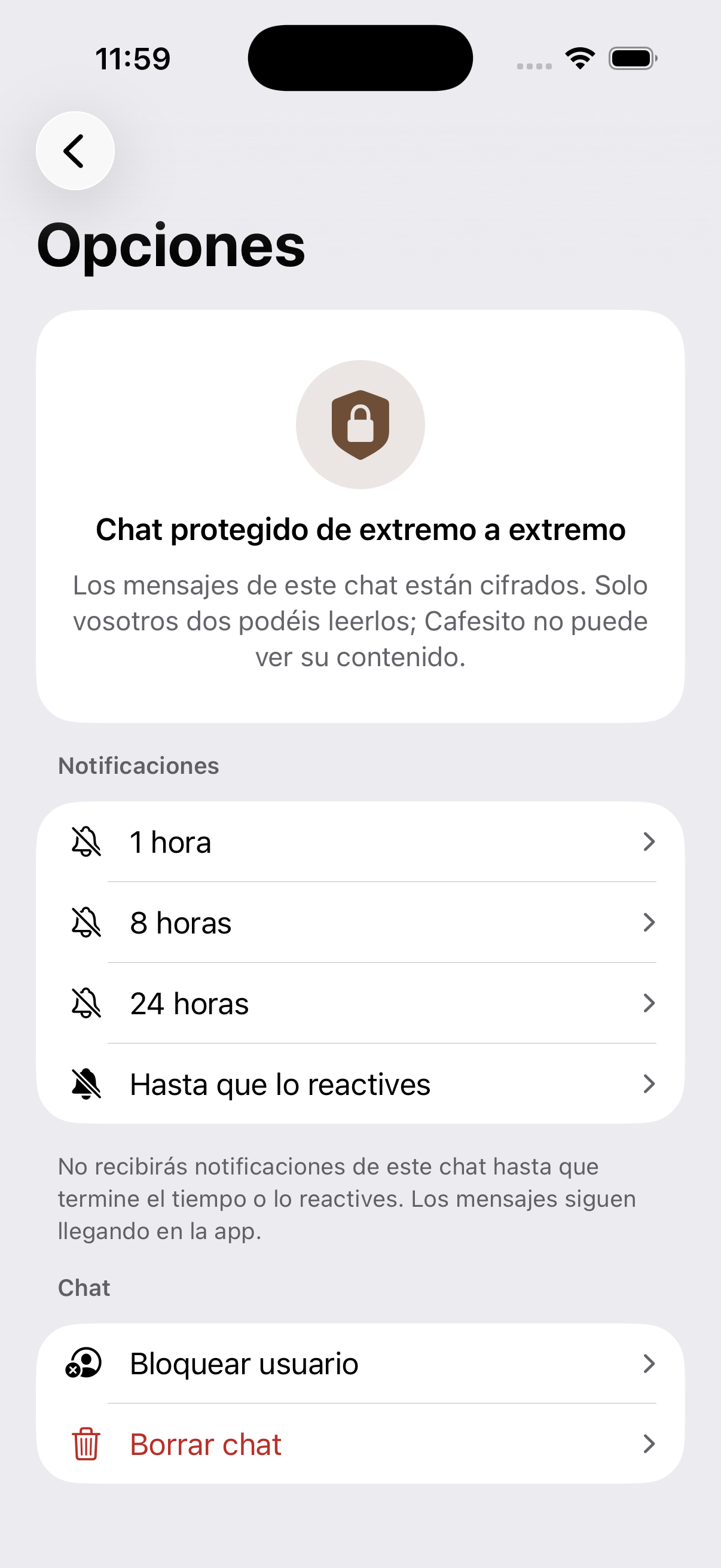
Profile, DNA and messages each have public or private settings. You decide who can find you and who can message you.
1:1 DMs use end-to-end encryption when both people have an active messaging identity: Cafesito cannot read the content on the server.
We don’t sell or rent personal data. Only the technical providers needed for auth, database and, if you accept, analytics can access it.
Information exists to deliver the service you ask for: sign-in, sync across devices and keep your coffee activity.
From Profile → Options → Privacy you configure independent levels. Each list also has its own visibility.
Profile
A private profile doesn’t appear in Cafesito search. Without mutual follow, visitors see a wall until you follow each other.
DNA
You can keep DNA private even if the profile is visible: only mutual follows can see it.
Messages
With private messages, only mutual follows can send you a DM — separate from the profile wall.
Lists
Each list can be public, private or invite-only. On someone else’s profile, after the wall, only public lists show.
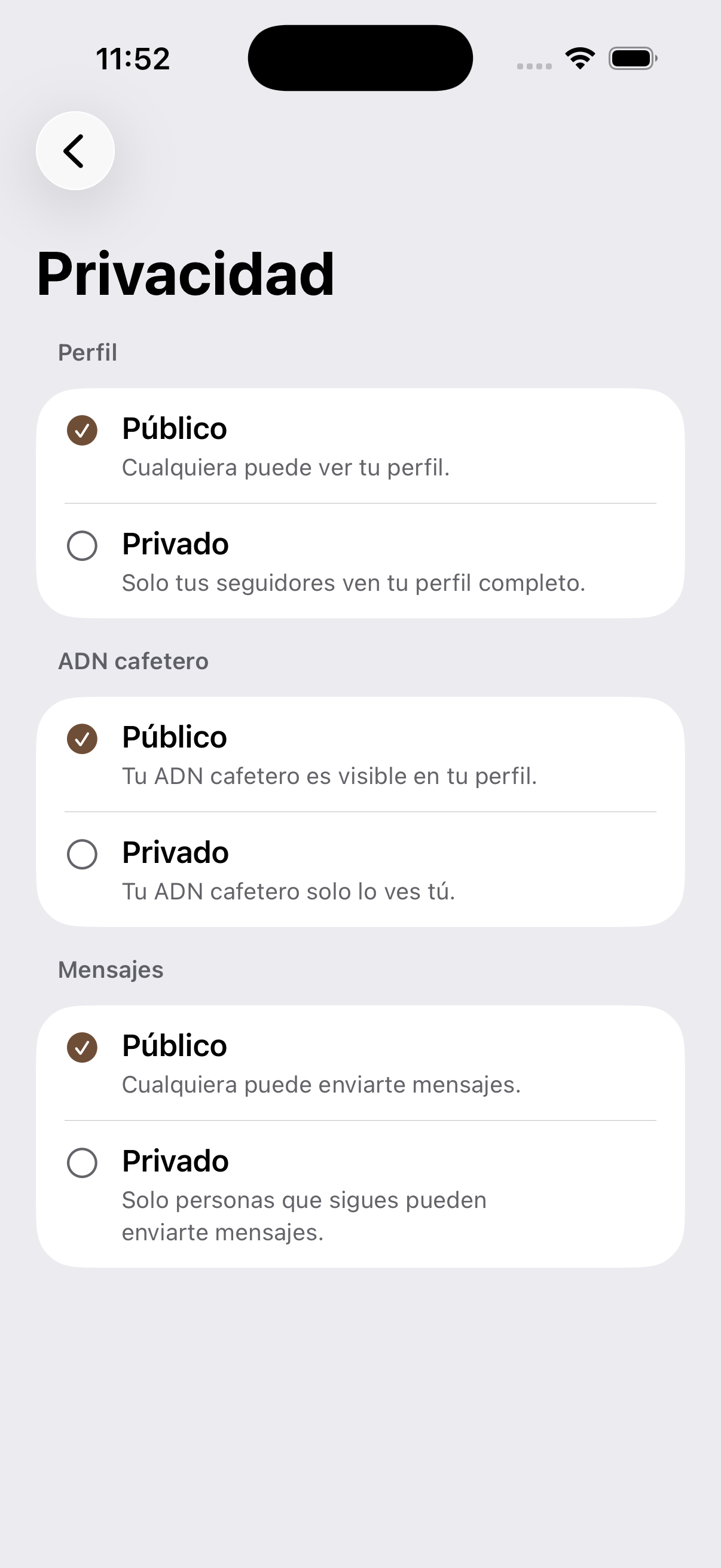
1:1 chats are built for private conversations in the community. When E2E encryption is active on both sides, message text and sensitive payload travel encrypted: the server cannot read them.
Push notifications don’t include message text. Recovering chat on another device may require your messaging recovery password.
On the web we show a notice on first visit. You choose.
This page is a product explainer. The privacy policy covers legal processing, retention, legal bases and rights (access, rectification, deletion…).
You can request account deletion from Profile → Options → Delete my account and my data (30-day window) or by emailing support.